> For the complete documentation index, see [llms.txt](https://support.racheldian.com/llms.txt). Markdown versions of documentation pages are available by appending `.md` to page URLs; this page is available as [Markdown](https://support.racheldian.com/providers/about-digitalocean.md).
# DigitalOcean
[DigitalOcean](https://www.digitalocean.com/?refcode=27eaa939b5f3) is not a traditional web hosting company like you may be familiar with. They provide the Infrastructure only. By hosting a website on DigitalOcean yourself you are skipping the middle-men (web hosting companies) and using the same infrastructure that the web hosting companies would be using for your website, behind the scenes.
But you get far better performance, at far less cost, and aren't being constantly sold to.
### **Infrastructure**
We provision a standard size VPS server for our clients. (DigitalOcean calls servers "Droplets") They are typically 1 CPU, 2GB RAM, 50GB SSD servers running Ubuntu Linux. The servers are optimally configured for Wordpress with [ServerPilot.io](/providers/about-serverpilot.md) and configured to use Nginx as a proxy to Apache, php 7, and MySQL. This combo provides the blazing speed for Wordpress that you won't typically find anywhere else. (ServerPilot handles many of the server's configuration options whereas a shared hosting provider might utilize [cPanel](https://serverpilot.io/community/articles/cpanel-alternative.html) instead.)
After configuring the server for hosting sites, the server is secured with [Heatshield.io](https://heatshield.io/). From there it is ideally further secured and made more performant via [Cloudflare](/providers/about-cloudflare.md) but for some Skunkworks clients this may not be an available option for I.T. reasons.
### **Data Centre**
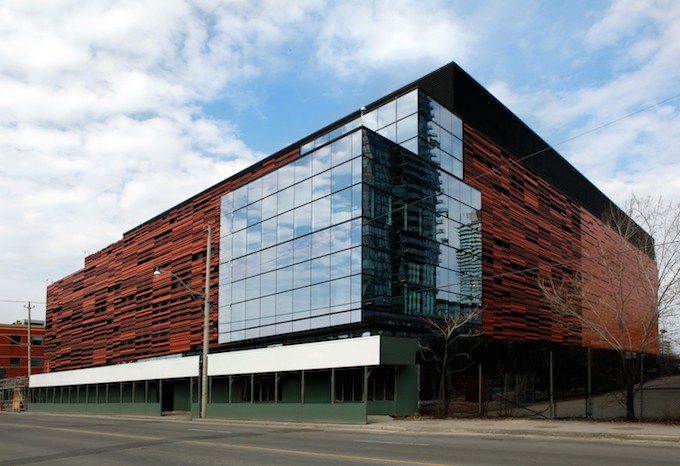
DigitalOcean's Toronto Data Centre is [Equinix' Toronto Data Centre](http://www.equinix.com/locations/canada-colocation/toronto-data-center/tr2/). The Data Centre's facility is SSAE16 [SOC-1 and SOC-2 certified](http://ssae16.com/SSAE16_reports.html). Security controls provided by the datacenter includes but is not limited to:
* 24/7 Physical security guard services
* Physical entry restrictions to the property and the facility
* Physical entry restrictions to our co-located datacenter within the facility
* Full CCTV coverage externally and internally for the facility
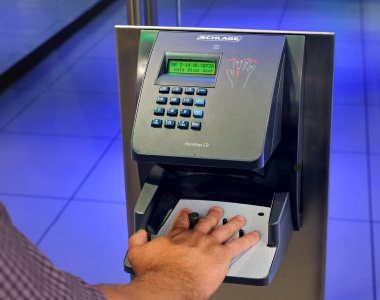
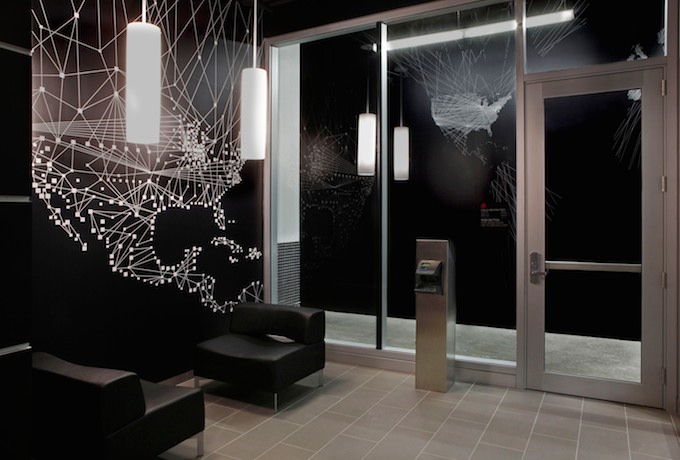
* [Biometric readers](https://www.google.ca/search?q=Biometric+readers\&source=lnms\&tbm=isch\&sa=X\&ved=0ahUKEwjJmr22gI_WAhVJ6WMKHbkeBn0Q_AUICigB\&biw=1366\&bih=982) with [two-factor authentication (2FA)](https://skunkworks.freshdesk.com/support/solutions/articles/16000059624-two-factor-authentication-2fa-)
* Facilities are unmarked as to not draw attention from [the outside](https://goo.gl/maps/GmPqbKyC8wG2)
* Battery and generator backup
* Generator fuel carrier redundancy
* [Secure loading zones](https://goo.gl/maps/kNWrYh8pFyv) for delivery of equipment
#### 
#### **Equinix Data Centre Environment**
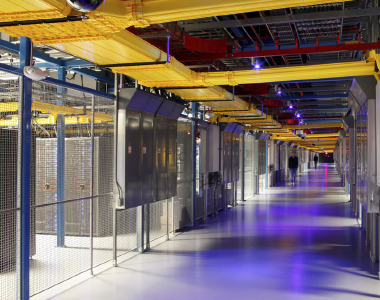
Our International Business Exchange™ (IBX®) data centers provide global average uptime of >99.99999%. To ensure electricity is always available, our IBX facilities provide a minimum of N+1 power redundancy, so every mission-critical component has at least one backup power feed that kicks in when there's an outage. We also store enough fuel on site to provide 24 to 48 hours of emergency power, and we have guaranteed fuel delivery contracts to replenish those supplies.
#### 
#### **Power**
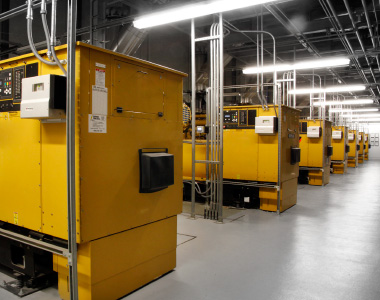
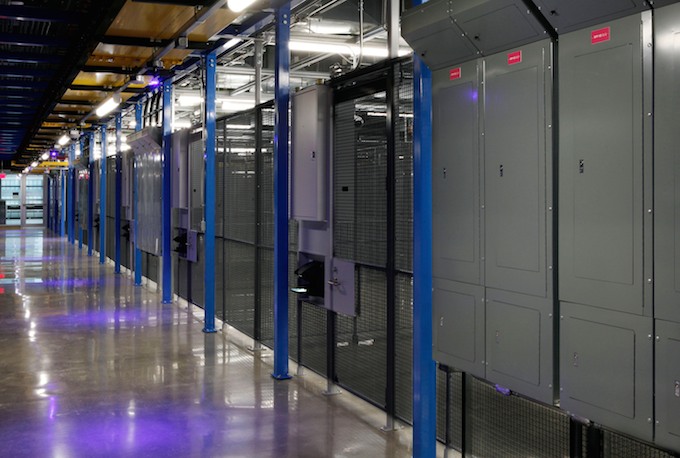
Our IBX data center power systems, designed and managed by some of the world’s foremost experts on power management engineering, include built-in redundancy, full Uninterruptible Power Supply (UPS) systems with N+1 redundancy levels or greater, and backup generator systems in the event of a local utility failure. Equinix teams also work with customers to configure data center installations to accommodate specific high-power requirements.
**Cooling**
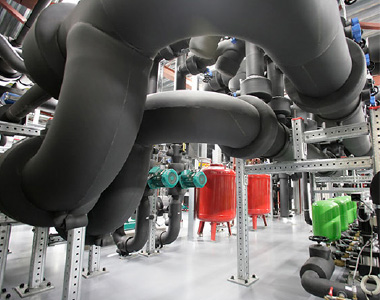
Equinix provides effective colocation cooling measures and strives to be efficient and sustainable in its use of technology and design. Several IBX data centers are LEED-certified. In Europe, Equinix has received the Green Award from Data Centres Europe. Find out more about our [green initiatives](http://www.equinix.com/why-equinix/green-by-design/).
**Robust cooling for the most demanding equipment**
A cooling system at an Equinix IBX data center may include\*:
* Variable frequency drives
* Chilled water pumps
* Centrifugal chillers
* Condenser pumps
* External cooling towers
* CRAC air-handling units in the colocation area
* Cold aisle containment
*\* Cooling system specifications above are representative and elements vary by data center location.*
#### **Security**
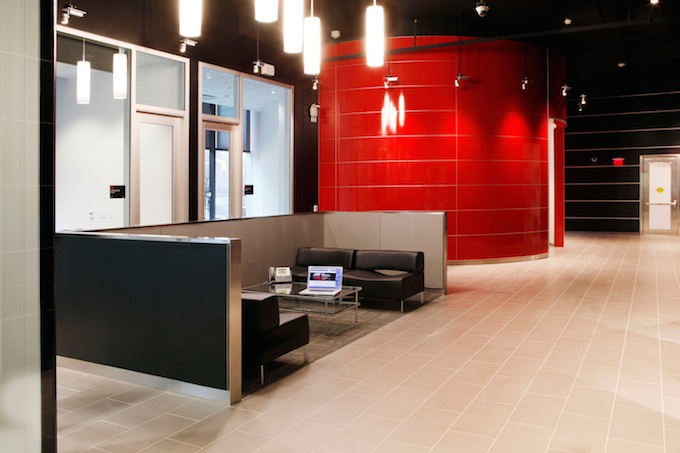
The physical security of Equinix IBX centers is one of our highest priorities. Each IBX center utilizes an array of security equipment, techniques and procedures to control, monitor and record access to the facility, including customer cage areas.
We use advanced security equipment, techniques and procedures to control and monitor access to our data centers. Reaching the colocation floor typically requires passing through five security checkpoints that include manned security stations, mantraps and biometric readers.
You can learn more about the Data Centre [here](http://www.equinix.com/services/data-centers-colocation/).
### **Image Gallery**
[](https://s3.amazonaws.com/cdn.freshdesk.com/data/helpdesk/attachments/production/16020631165/original/zen-vaZnSm7b7yRD0kJguQwJmoG0XnSypA.jpg?1524267541)
[](https://s3.amazonaws.com/cdn.freshdesk.com/data/helpdesk/attachments/production/16020631180/original/tbb59I8K69lNIiD3vmoiGUhM0ub6iruArQ.jpg?1524267555)
[](https://s3.amazonaws.com/cdn.freshdesk.com/data/helpdesk/attachments/production/16020631182/original/97UcgKuHOr6vNILciEWglkNHQmAv-YJD-g.jpg?1524267566)
[](https://s3.amazonaws.com/cdn.freshdesk.com/data/helpdesk/attachments/production/16020631184/original/bH0vOXqEJmh6hKvdOsP4-UysUwUcihiCoQ.jpg?1524267575)
[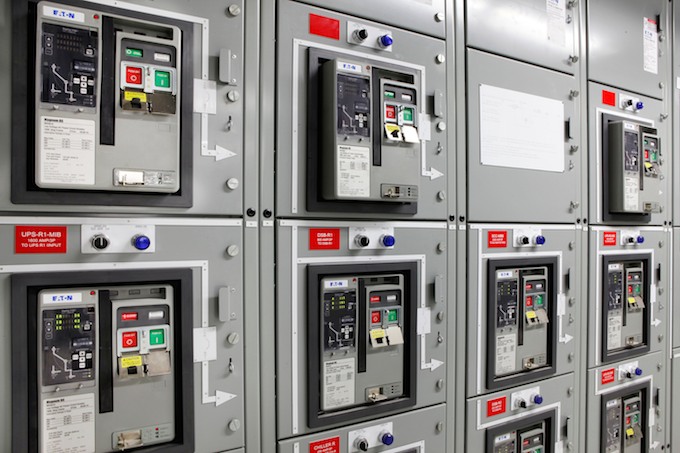](https://s3.amazonaws.com/cdn.freshdesk.com/data/helpdesk/attachments/production/16020631186/original/VdGBAGCxm465ER6-uz_04eDId0jKvARg6g.jpg?1524267583)
[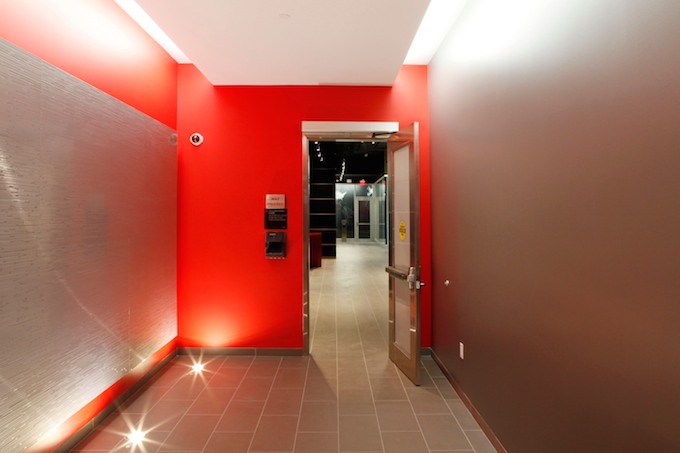](https://s3.amazonaws.com/cdn.freshdesk.com/data/helpdesk/attachments/production/16020631187/original/5wM4pESs_ncfXHdCAedTyV3Aw9ftXhmHZw.jpg?1524267590)
[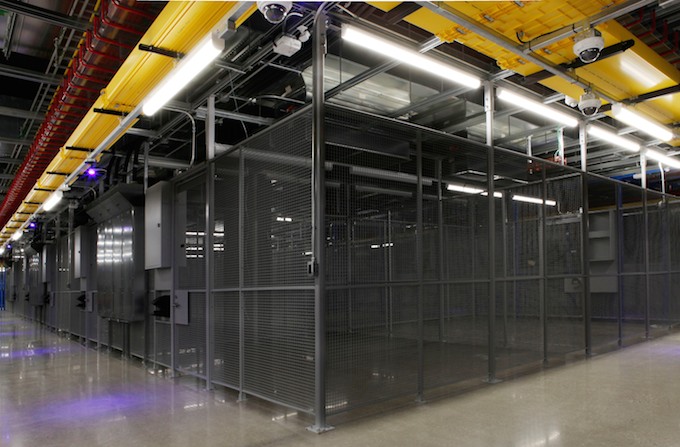](https://s3.amazonaws.com/cdn.freshdesk.com/data/helpdesk/attachments/production/16020631188/original/HOQqD4P3YnLrVKNfZZiOMRr1g9Y8wi_BRQ.jpg?1524267598)
### **Account access**
We requires login access for your DigitalOcean account in order to:
* Restart the webserver in the event of a serious crash (SSH not responding).
* Update the hosting billing information.
* Manage webserver backups.
* Grant or remove developer access to the webserver.
* Communicate with DigitalOcean support in regards to the website running on DigitalOcean.
---
# Agent Instructions
This documentation is published with GitBook. GitBook is the documentation platform designed so that both humans and AI agents can read, navigate, and reason over technical content effectively. Learn more at gitbook.com.
## Querying This Documentation
If you need additional information that is not directly available in this page, you can query the documentation dynamically by asking a question.
Perform an HTTP GET request on the current page URL with the `ask` query parameter:
```
GET https://support.racheldian.com/providers/about-digitalocean.md?ask=
```
The question should be specific, self-contained, and written in natural language.
The response will contain a direct answer to the question and relevant excerpts and sources from the documentation.
Use this mechanism when the answer is not explicitly present in the current page, you need clarification or additional context, or you want to retrieve related documentation sections.